
Creating a home workspace that is both relaxing and productive can significantly improve your work-from-home experience. Whether you’re freelancing, managing a remote team, or handling occasional office tasks, your environment plays a key role in how efficiently and comfortably you work. In this post, we’ll explore practical tips to help you design a workspace that promotes focus, reduces stress, and suits your personal style.
Why Your Home Workspace Matters
A well-designed workspace can enhance your concentration, reduce fatigue, and even support your physical health. On the other hand, a cluttered or uncomfortable area might lead to distractions, discomfort, and ultimately, decreased productivity. Investing time and attention into creating the right setup will pay off in your daily work routine.
Choosing the Right Location
Find a Quiet, Low-Traffic Area
Select a spot in your home where you can minimize interruptions. This could be a spare room, a corner in the living room, or even a nook near a window. Avoid areas prone to noise from TV or household activities.
Consider Natural Light
Natural light boosts mood and helps regulate your body’s internal clock, improving alertness. Position your desk near a window if possible, but avoid glare on your screen.
Furniture and Ergonomics
Invest in a Comfortable Chair
A chair with good lumbar support will protect your back during long work sessions. Adjustable height and armrests help you find the most comfortable position.
Choose an Appropriate Desk
Your desk should be large enough for your computer, accessories, and documents but not so cluttered that it overwhelms you. Standing desks or adjustable options can add variety to your posture throughout the day.
Set Up Your Monitor Correctly
Position your monitor at eye level about 20 inches away to reduce neck and eye strain.
Organizing Your Workspace
Declutter Regularly
Keep only essential items on your desk. Use drawers, shelves, or organizers to store supplies and paperwork.
Use Storage Solutions
Baskets, filing cabinets, and drawer dividers help keep things tidy and easy to find.
Personalize with Purpose
Add a few personal items like photos, plants, or artwork, but avoid overcrowding your space.
Lighting and Sound
Use Layered Lighting
Combine natural light with task lighting such as a desk lamp. Soft, warm lighting creates a calming atmosphere.
Manage Noise Effectively
A white noise machine or noise-canceling headphones can help if you can’t avoid noisy environments.
Promote Comfort and Relaxation
Incorporate Plants
Indoor plants improve air quality and bring calming natural elements to your space.
Take Breaks and Move
Incorporate short breaks to stretch or walk around. Movement enhances focus and reduces physical strain.
Maintain Air Quality
Keep windows open when possible or consider an air purifier to ensure fresh air.
Technology Tips
Keep Cables Organized
Use cable clips or sleeves to prevent tangling and maintain a clean look.
Optimize Your Equipment
Ensure your computer and accessories are up to date and functioning smoothly to avoid frustration.
Establish Routine and Boundaries
Set Regular Work Hours
Having clear start and end times helps maintain work-life balance.
Communicate Your Workspace Needs
If you live with others, let them know about your schedule and workspace to reduce interruptions.
Final Thoughts
Designing a home workspace that balances relaxation and productivity is an ongoing process. Start with these tips and adjust based on what works best for you. With the right environment, you can enjoy a more efficient, enjoyable, and stress-free workday.
Related Posts
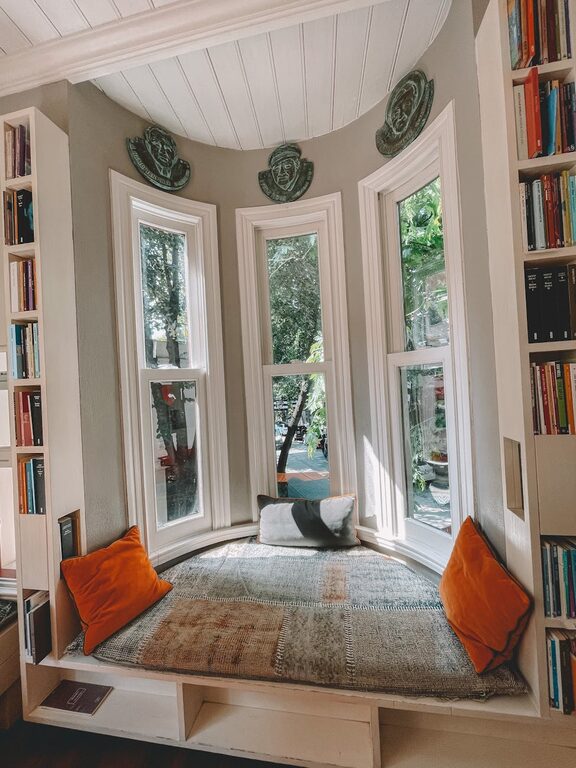
Simple Tips for Creating a Cozy Reading Nook at Home
Creating a cozy reading nook at home is a wonderful…
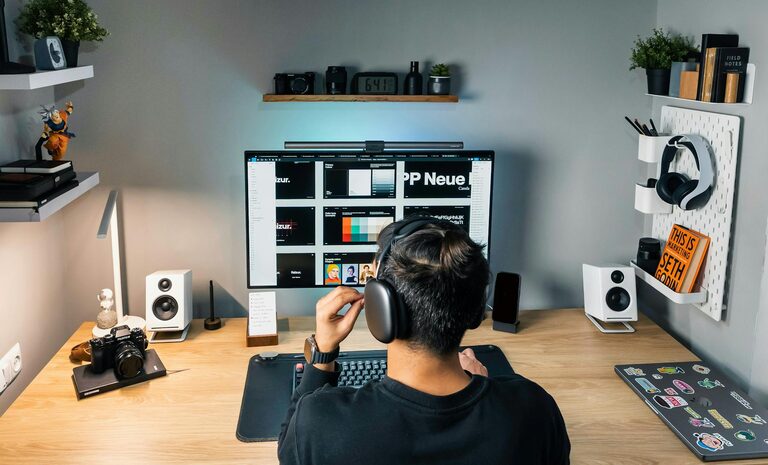
Tips for Creating a Cozy and Productive Home Office Space
Creating a home office that feels both cozy and productive…
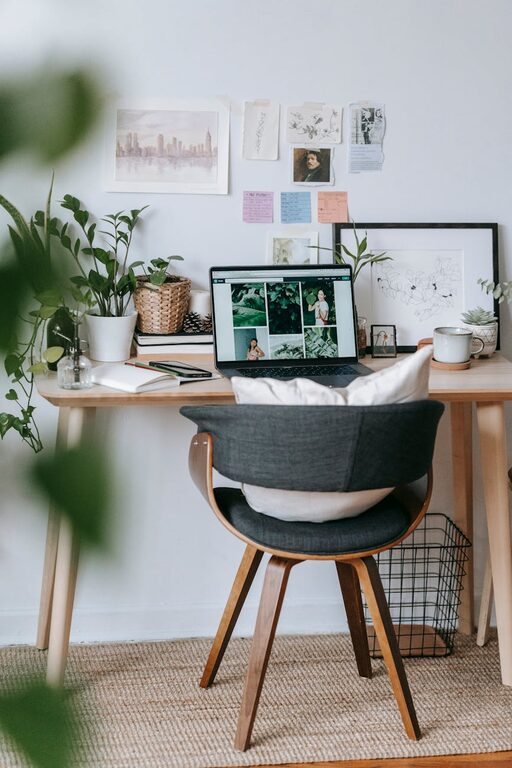
Tips for Creating a Relaxing Home Office Environment
Creating a relaxing home office environment is essential for maintaining…