
Creating a relaxing home workspace is more important than ever as many people continue to work from home. A comfortable and well-organized environment can help reduce stress, improve focus, and boost productivity. Whether you have a dedicated room or a small corner in your living space, following a few simple tips can transform your area into a peaceful and efficient workspace.
Why a Relaxing Workspace Matters
Your home workspace is where you spend hours tackling tasks, brainstorming ideas, and meeting deadlines. If the space feels cluttered, uncomfortable, or distracting, it can negatively affect your motivation and output. On the other hand, a calming workspace encourages creativity, keeps you energized, and helps maintain a healthy work-life balance.
1. Choose the Right Location
Finding the best spot for your workspace sets the foundation for comfort and focus.
– Natural Light: Position your desk near a window to benefit from natural lighting. Sunlight not only brightens your space but also helps regulate your mood and energy levels.
– Quiet Area: Pick a spot away from household noise and distractions. If possible, use a room with a door for privacy during meetings or focused work.
– Separate Work and Relaxation Spaces: If your home is small, try to distinguish your workspace from your personal areas by using room dividers or specific furniture arrangements.
2. Invest in Comfortable Furniture
Comfortable furniture is essential to avoid fatigue and physical discomfort during long work hours.
– Ergonomic Chair: Choose a chair that supports your back and encourages proper posture. Adjustable features like seat height and armrests can enhance comfort.
– Desk at the Right Height: Ensure your desk allows your arms to rest at a 90-degree angle when typing. Standing desks or adjustable desks can provide flexibility.
– Footrest: If your feet don’t touch the floor comfortably, use a footrest to maintain good posture.
3. Optimize Lighting
Proper lighting reduces eye strain and creates a welcoming atmosphere.
– Layered Lighting: Combine ambient lighting (ceiling lights) with task lighting (desk lamps) to illuminate your workspace adequately.
– Avoid Glare: Position lights to minimize glare on your computer screen. Use blinds or curtains to control natural light when needed.
– Warm Light: Opt for bulbs that emit warm white light to create a soothing environment.
4. Organize Your Workspace
An organized desk helps you focus and work more efficiently.
– Declutter Regularly: Keep only essential items on your desk to prevent distractions.
– Storage Solutions: Use shelves, drawers, or bins to store supplies neatly.
– Cable Management: Use clips or sleeves to manage cables and keep them out of sight.
5. Add Personal Touches
Personalizing your workspace can make it feel inviting and motivate you throughout the day.
– Plants: Adding indoor plants can improve air quality and bring a sense of calm.
– Artwork or Photos: Display images that inspire you or bring joy.
– Decor: Use decorative items like cushions or rugs to add warmth and comfort.
6. Control Noise and Distractions
Minimizing unwanted noise helps maintain focus.
– Noise-Canceling Headphones: Invest in headphones to block background sounds or listen to calming music.
– White Noise: Consider a white noise machine or app to mask distracting noises.
– Set Boundaries: Communicate your working hours with family members or housemates.
7. Incorporate Movement and Breaks
Staying active during work hours is important for both physical and mental health.
– Stretching: Take short stretch breaks to relieve tension.
– Standing Breaks: Alternate between sitting and standing if possible.
– Walks: Step outside for fresh air and light exercise to recharge your mind.
8. Use Technology Wisely
Make sure your technology supports your workflow without causing frustration.
– Reliable Internet: A stable connection reduces interruptions during calls or online work.
– Efficient Tools: Use software and apps that help with task management and communication.
– Monitor Positioning: Position monitors at eye level to avoid neck strain.
Final Thoughts
Designing a relaxing home workspace is about creating a balance between comfort and functionality. By choosing the right location, investing in ergonomic furniture, optimizing lighting, and organizing your environment, you can boost both productivity and well-being. Remember to personalize your space, control distractions, and take regular breaks to maintain energy throughout the day. With a thoughtful setup, your home workspace can become a place where you enjoy working and accomplish your goals comfortably.
Related Posts
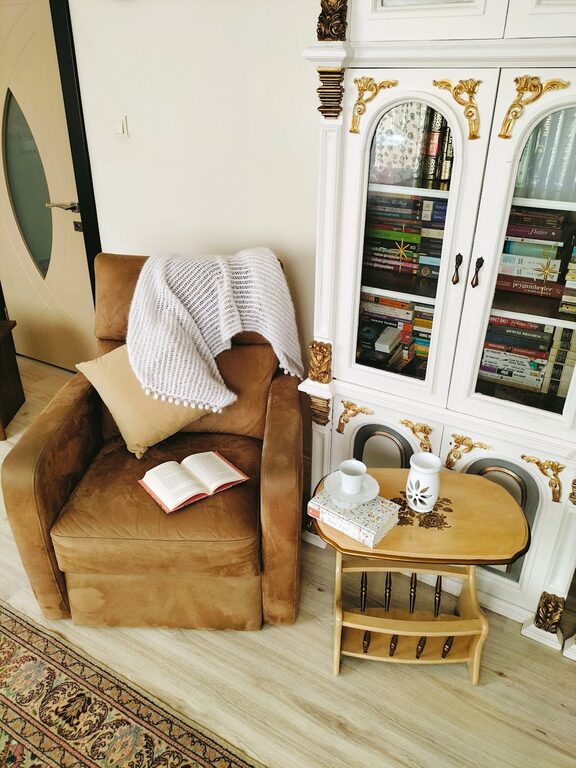
How to Create a Cozy Reading Nook at Home: Tips and Ideas
Creating a cozy reading nook at home is a wonderful…
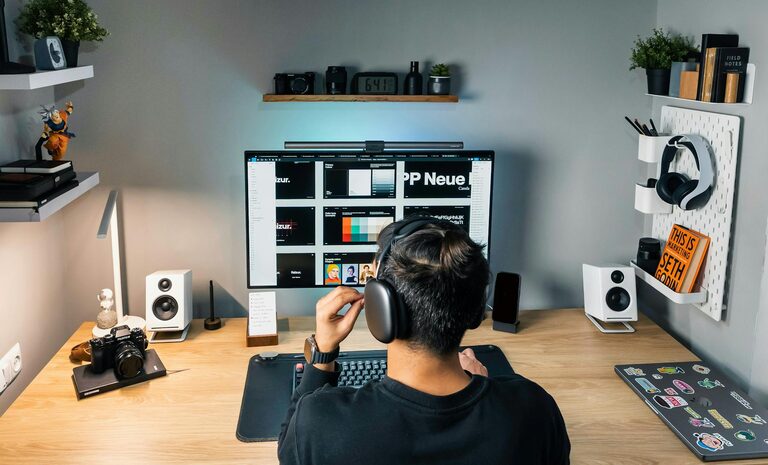
Tips for Creating a Cozy and Productive Home Office Space
Creating a home office that feels both cozy and productive…

Tips for Creating a Cozy and Inviting Reading Nook at Home
Creating a cozy and inviting reading nook at home is…